

|
||
|
|
||
|
||
|
#Safer Towns Summer - Protect your mobile phone |
||
|
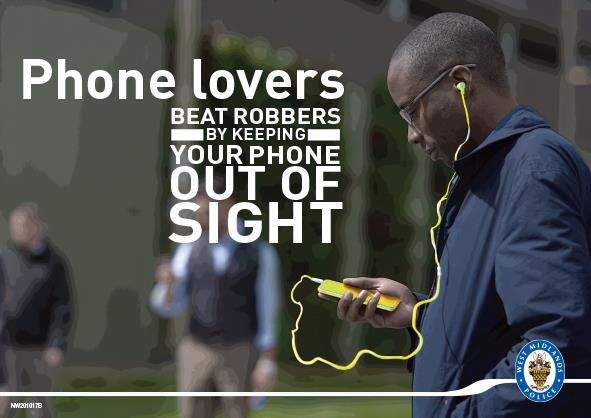
Hello Resident Thieves may steal your phone to get access to your bank accounts and personal data as well as for the device itself. Find out how to protect yourself from mobile phone theft, and how to set your phone up to avoid further loss if it’s stolen. How thieves target youTo help keep your handset and data safe, follow these tips:
Securing your phone in case it's stolenIf your phone is not well protected and it gets stolen or lost, thieves could access your banking apps, get into personal accounts, and even steal your identity. Consider whether apps containing sensitive personal information, such as banking apps, need to be on your phone at all. Some may be better kept on a tablet or other device that you don't routinely carry with you. Use your phone’s locking featureChoose a strong PIN, passcode, password, or pattern, or use biometric authentication, such as Face ID or Fingerprint. Passwords are harder to 'shoulder-surf' than short PIN codes. Set the auto-lock to activate itself after a short period of time. Activate your phone's built-in anti-theft protectionFor iPhones, use 'Stolen Device Protection’ to prevent your phone's key security settings being changed if it's stolen. Hide applications such as banking applications in hidden folders by:
Find further guidance on how to do this at Apple Support (UK). For Android phones, use ‘Theft Detection Lock’ to activate your device's motion sensor feature. Your phone will automatically lock if it detects unusual movement, for example, if it’s snatched. You can also hide applications in secure or safe folders. This allows the folder to be locked with a different passcode to the device itself. Further guidance on how to do this can be found on your phone manufacturer’s help pages. Get your IMEI numberYour phone's IMEI (International Mobile Equipment Identity) number can help identify your phone if it’s lost or stolen. You can get the IMEI number by typing *#06# on your phone keypad. Keep a note of it somewhere other than on your phone. Keep your software regularly updatedThis will make sure both your device and apps have the latest security settings. You can set your phone to auto update in the settings menu. Use a tracking appYou could consider setting up a tracking app on your phone so you can see where it is from another device like a laptop. Use it as soon as possible, before thieves have a chance to disable it. Turn off message previewsTurn off message previews, so that thieves won’t see any messages about reset or login codes when your phone is locked. Protect high-value appsSecure high-value apps, such as banking apps and digital wallets, behind biometric identification. Alternatively, use strong passwords that you don't use on other accounts. Never store these passwords on a 'note' file on your phone where a thief could find them. Make sure you can still access your dataMake sure:
If your phone is stolenYour personal data may be at risk. It's important you act fast. Report the crime to us as soon as you can. If you’ve been hurt, feel unsafe or the crime has only just happened, call 999. You can also report the crime to us online. Or call 101 for non-emergencies. Include details of your device (such as the IMEI number) in your report as well as any fraudulent transactions. You should:
| ||
Reply to this message | ||
|


|